FreeNo loginNo ads
Free X tools from just your username.
Type any X username and get your interaction circle, a followers header, a monthly recap and 596 designs with 1566 looks. Nothing to install, nothing posted for you.
How it works
How does Orbit Cards work?
Three steps, about a minute. You never sign in to anything.
- 1
Type a username
Yours, or a friend’s. @name or a link to the profile, both work.
- 2
We read public X
Your browser reads the profile and its last 30 days of public posts. Ranked by who talks back.
- 3
Pick one, download
Choose a design, change colours, fonts and who’s on it, then download it at the size X uses.
- No sign-in
- Never posts
- Public posts only
Real cards
What can you make from an X username?
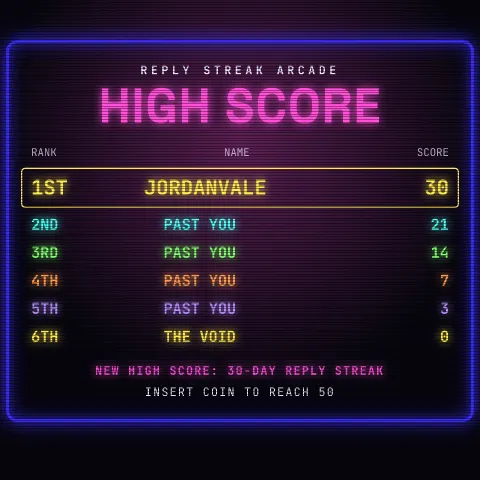
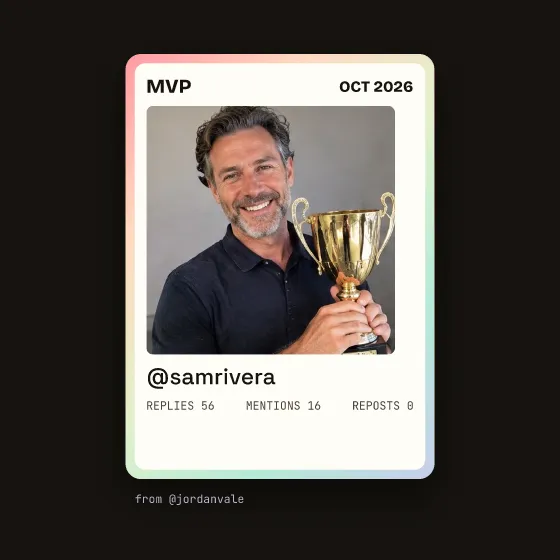
Headers, circles, recaps, milestones, shout-outs, profile rings and more: 596 designs, all made from the people in your X orbit.
- 36 X header
- 46 Profile rings
- 140 Shout-outs
- 66 Recap
- 49 My orbit
- 21 Time Machine
- 115 Milestones
- 32 Thanks
- 58 Trophies





Why Orbit Cards
Why use Orbit Cards for your X cards?
Free. All of it.
Every tool, all 596 designs and their 1566 looks. No plan, no card, no catch.
No login
No account, no password, no X connect. A username is all it asks for.
Never posts
It can’t post, follow, like or message for you. You download a card and post it yourself.
No ads
No pop-ups, no banners, nothing jumping in front of your cards.
Stays in your browser
The read happens on your device. Private accounts stay private: it can’t read them.
Sized for X
Headers at 1500×500, profile rings at 400×400, cards square, portrait or story. Ready to post.
A card in every reply box
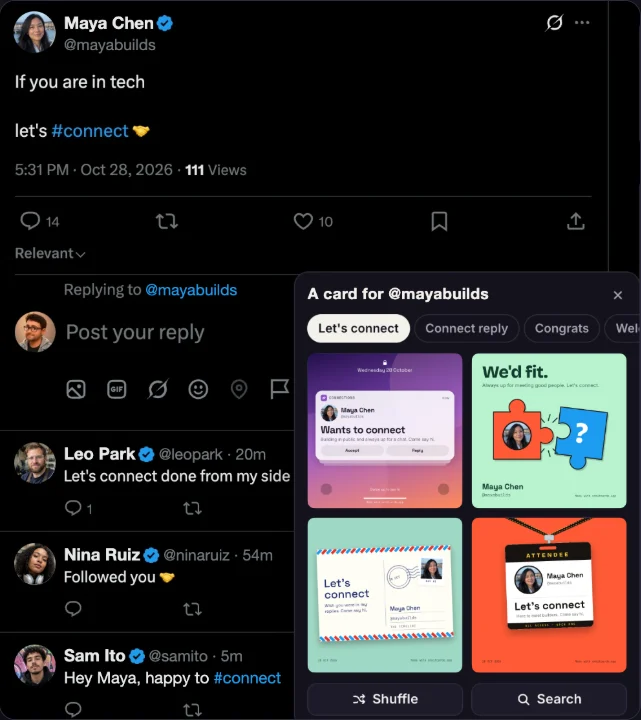
The free Chrome extension adds an Orbit button under X posts: four cards, ready for the person you’re replying to. You press Reply yourself.
Made by Gjorge Karakabakov, who also makes Orbit for Mac. 596 designs, 9 free tools, no ads and no login, and a person answers every message at hello@orbitcards.app.
What is Orbit Cards?
Orbit Cards is a free web app that turns any public X (Twitter) username into shareable images: an interaction circle, a followers header, a monthly recap, milestone cards, profile rings and 596 designs in all. You type a username; there's no login and nothing is posted for you.
Is Orbit Cards an official X product?
No. Orbit Cards is an independent web app, not made by or affiliated with X Corp. X has no official interaction circle or Twitter Wrapped, so Orbit Cards makes them from public posts.
How do I see my top mutuals and biggest fans on X?
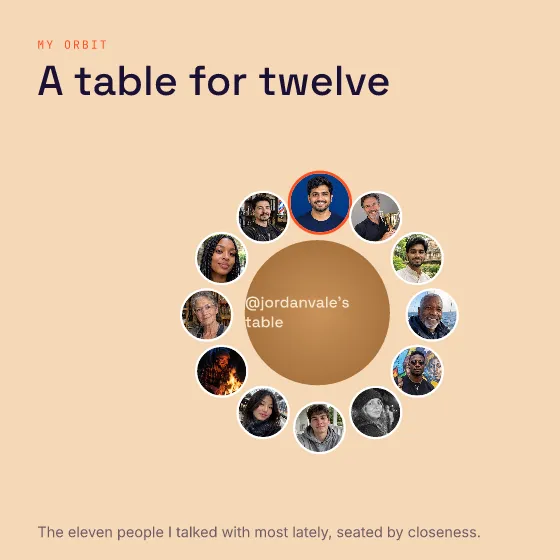
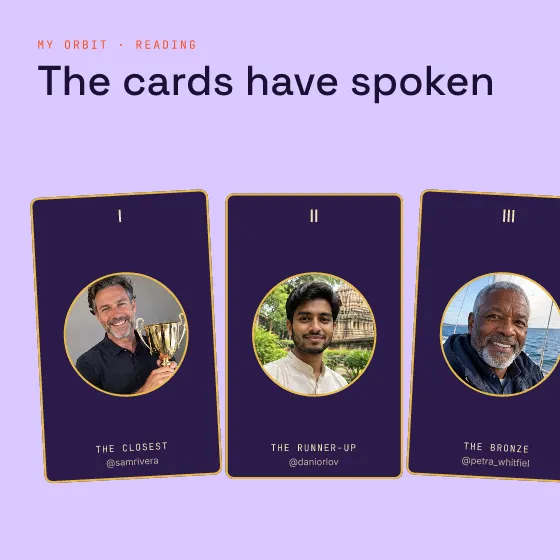
Type your username into the X Circle Generator. It scores the last 30 days both ways: a reply is 3 points, a quote or @mention 2, and a mention of you counts for its author. The people with the highest totals, your closest mutuals and biggest fans, sit nearest your photo.
Is Orbit Cards really free?
Yes, completely free: every tool and all 596 designs, with no plan, no card, no login and no ads. You type an X username, Orbit Cards reads that public profile, and every design opens with your people on it.
Do I need to log in or give my X password?
No. There's no account and no login. Your browser reads the public profile and its public posts through FxTwitter, a public X viewer. Orbit Cards never asks for your password and gets no access to your X account.
Where does Orbit Cards get its data from X?
From public X posts, read by your own browser through FxTwitter (api.fxtwitter.com), a free, open-source public service that shows X profiles and posts without a login. When you type a username, your browser asks FxTwitter for that public profile, its last 30 days of posts (up to 160), up to 80 posts that mention it, about 70 followers and a small sample of older months. Orbit Cards' servers never fetch or store it.
Does Orbit Cards use the X API or log in to X?
No. Orbit Cards doesn't use the official X API, doesn't sign in to X and has no access to any X account. It only sees what anyone can see on a public profile without logging in, so likes, DMs, bookmarks, view counts behind a login and protected accounts are out of reach.
Why does a read sometimes come back incomplete?
Because FxTwitter is a free public service and occasionally times out or is busy. Orbit Cards retries each part once; if a part still fails, the Studio says what's missing and makes the cards from the rest. Press Read again a little later for a fresh read.
Does Orbit Cards post anything to my X account?
No, it can't: it never signs in to X, so it can't post, follow, like, message or change your profile. You download each card and post it yourself.
How do I make a Twitter interaction circle?
Type your username into the X Circle Generator (or the box at the top of this page). Orbit Cards reads your last 30 days of replies, quotes and mentions and puts the people you talk with most in rings round your photo, in 49 styles. Download it and post it.
How do I make an X header from my followers?
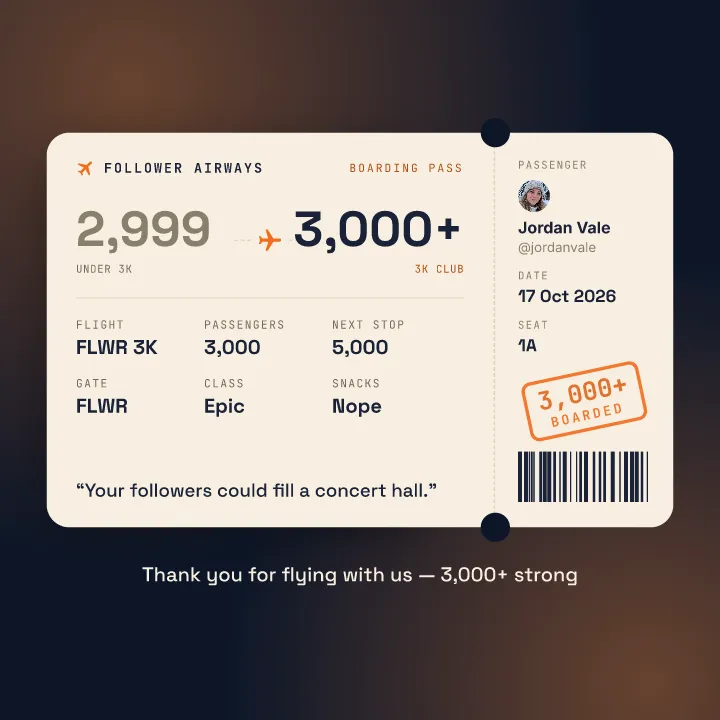
Type your username into X Followers Header. Orbit Cards gathers your followers and the people you talk with and draws a 1500×500 header from their profile photos, in one of 36 designs. Download the PNG and upload it in X's Edit profile.
Is there a Twitter Wrapped for my account?
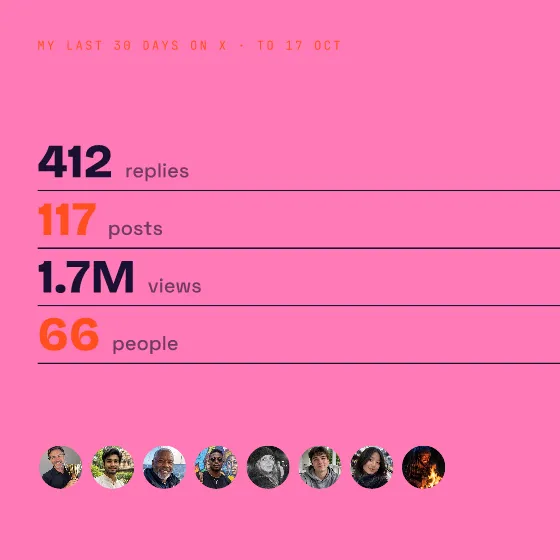
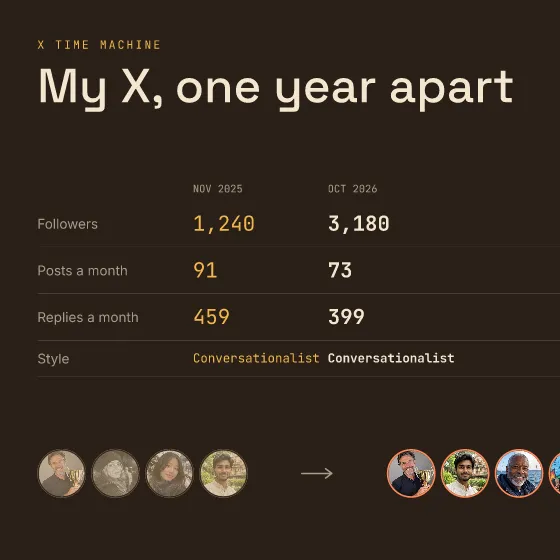
X has no official Twitter Wrapped, so Orbit Cards makes one. X Recap is your month on X in one card: posts, replies, your best post, your top people and your busiest hour. X Time Machine sets you today next to a year ago.
What period does X Recap cover?
Your last 30 days on X, up to 160 posts read in four weekly windows. X Time Machine adds a sample of the same week a year ago, so you can see then and now side by side.
Do I need to install anything?
No. Orbit Cards runs in your web browser on a phone or a computer, and the cards and the videos some designs make (MP4) are drawn right there. The Chrome extension is optional.
How do I check if I am shadowbanned on X?
Type your username into the X Shadowban Checker. It checks what X search shows for your profile, your posts and your replies right now, and says what it finds in plain words. X doesn't publish bans, so a warning is a hint to look closer, not a verdict.
Why is someone missing from my circle?
Usually because you didn't reply to, quote or mention them in the last 30 days, or others talked with you more. DMs, likes and protected accounts can't be seen from outside X, so they can't count.
Which X accounts can it read?
Any public X account: yours, or a friend's to make them a card. Private (protected) accounts can't be read, because only their followers can see their posts.
My account is small. Will my cards look empty?
No. X Circle works from 3 people you've talked with in the last 30 days, and a header fills in with your followers. In a quiet month the recap says so plainly and shows who still showed up.
What sizes can I download?
PNG, JPG or WebP, at 1× or 2×. Cards come square (1080×1080), portrait (1080×1350) and story (1080×1920); headers are 1500×500 and profile rings 400×400, the sizes X uses.
Can I change how the cards look?
Yes. In the Studio you can change colours, backgrounds and fonts, edit or hide any line of text, pick who appears, and choose which post, milestone or trophy a card shows.
What happens to the data it reads?
It stays in your browser. The read happens there and is kept for a few hours so moving between tools doesn't read X again. There's no Orbit Cards account, so nothing of yours is kept on our side. Clear your browser's site data to remove it at once.
Is there a Chrome extension?
Yes, free. The Orbit Cards extension for Chrome adds an Orbit button to X's reply box: click it under someone's post and four cards appear, made for the person who wrote it. Pick one and it's attached to your reply; you press Reply yourself.
Your username is all it takes.
Type it, pick a card, download. Free, with no login, forever.