- Home
- X Post to Image
Free X tool · no login · New
X Post to Image: Your best post, as a picture.
X Post to Image turns any public X (Twitter) post into a clean, shareable image at Instagram, LinkedIn and story sizes: paste the post’s link, or type your username for your best recent post. Free, no login, nothing posted.
Reads: The post you link, or your posts from the last 30 days. Public posts only.
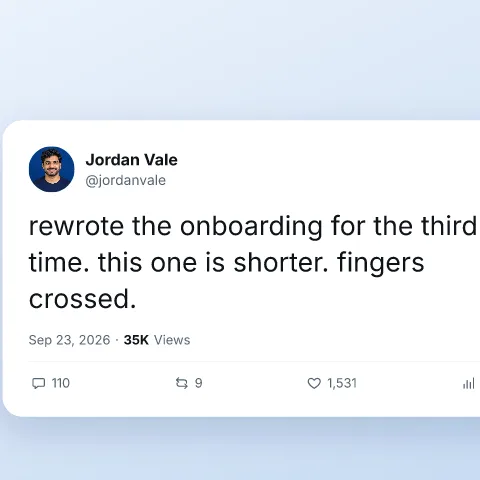
How does X Post to Image work?
- 1Type your X username, or paste a link to any post
- 2We draw that post, or your most liked recent one
- 3Pick a style, then download
Your card is made right here on this page: download it or copy it straight into a post. For more, open it in the Orbit Cards Studio on the same design, with every design and look open, and switch to headers, rings, recaps or anything else from there, free.
X Post to Image at a glance
| Price | Free: no paid plan, no card and no ads |
|---|---|
| Login | None: no account, no X connect, no password |
| What it reads | The post you link, or your posts from the last 30 days, from public posts only |
| How long it takes | A few seconds to read; a heavy poster can take longer |
| Where the read is kept | In your browser for up to 6 hours; nothing is stored on our servers |
| Who can be read | Any public X account; protected accounts can’t be read |
Last checked . The read goes through FxTwitter, an open-source viewer of public X posts.
What does it read, and what can't it see?
It reads
- ✓The public post you link: its text, author and numbers
- ✓Or your public posts from the last 30 days
- ✓The author’s name and profile photo
It can’t see
- ✕Your DMs, likes and bookmarks
- ✕Private (protected) accounts
- ✕Your password: there is no login, so no access to your account
Your browser reads public X through FxTwitter, a public viewer, and keeps the result on your device for a few hours. Nothing is stored on our side.
Questions about X Post to Image
How do I turn a tweet into an image?
Paste the post’s link (x.com/…/status/…) and it comes up as an image, any public post of any age. Or type your username for your most liked recent post. Pick a style and download the PNG.
What sizes does it make?
Square 1080×1080, portrait 1080×1350 (Instagram and LinkedIn feeds) and story 1080×1920 (Instagram, TikTok and WhatsApp stories).
Can I make an image of someone else’s post?
Yes: paste a link to any public post. Credit the author, and ask before you share someone else’s words as an image.
Is X Post to Image free?
Yes, completely. No login, no X connect, no card and no ads. You type a username, your browser reads that public profile, and every design is open.
More free X tools
 X Circle GeneratorThe people you talk with most, in a circle→
 X Followers HeaderA 1500×500 header made of your followers→
 X Mosaic GeneratorYour followers as a wall of faces→
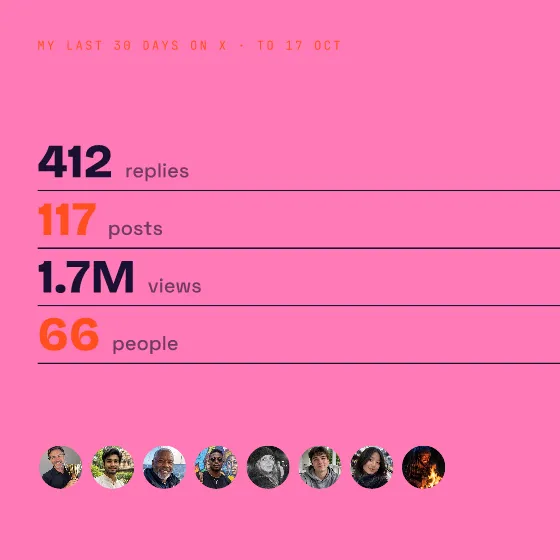 X RecapYour month on X in one card→
 X Friendship TestHow close are two accounts, really?→
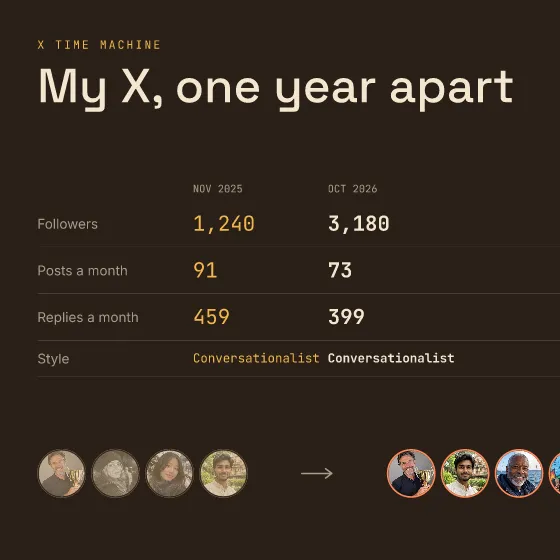 X Time MachineYou today, next to you a year ago→
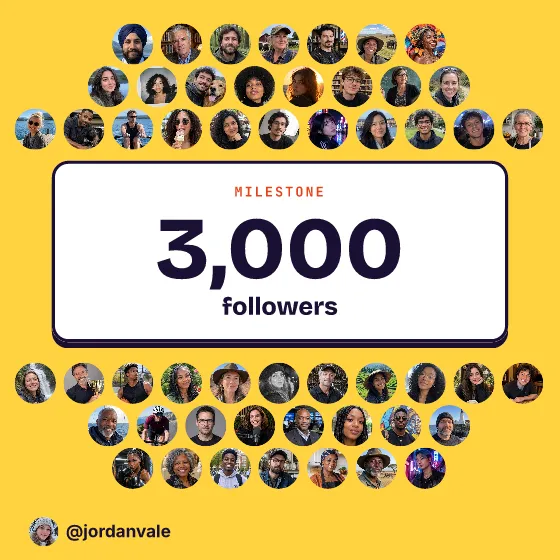 X MilestoneCelebrate your follower count→
 X Profile RingA ring round your profile photo→
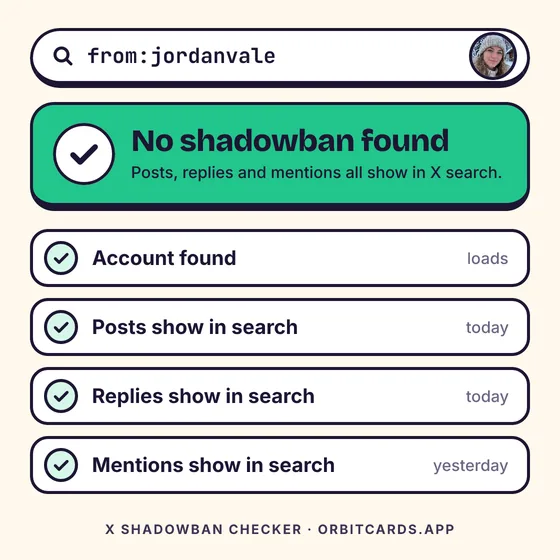 X Shadowban CheckerCan people find your posts?→
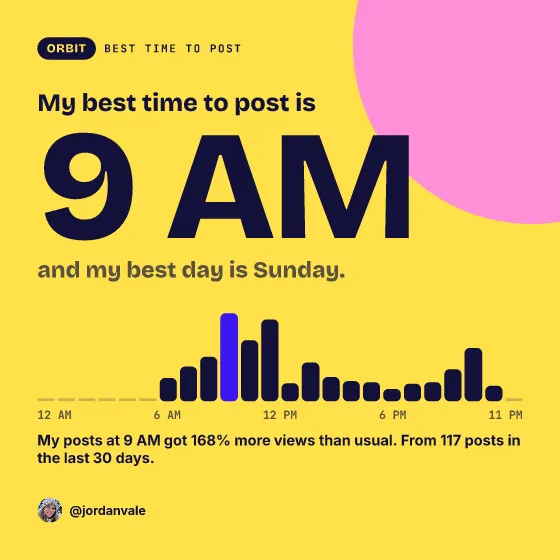 X Best Time to PostThe hour your own posts get the most views→
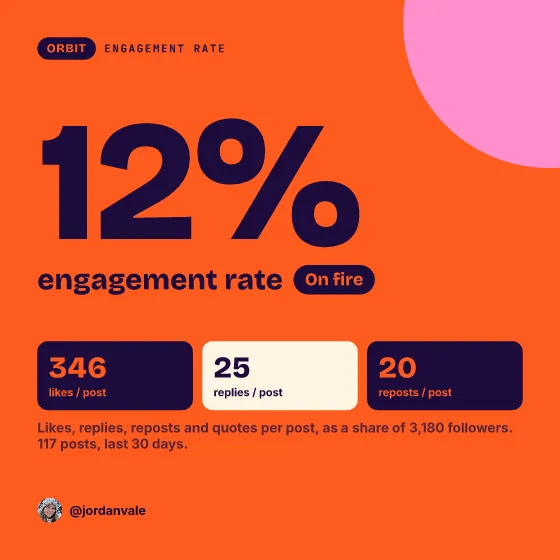 X Engagement Rate CalculatorYour engagement rate, from your last 30 days→
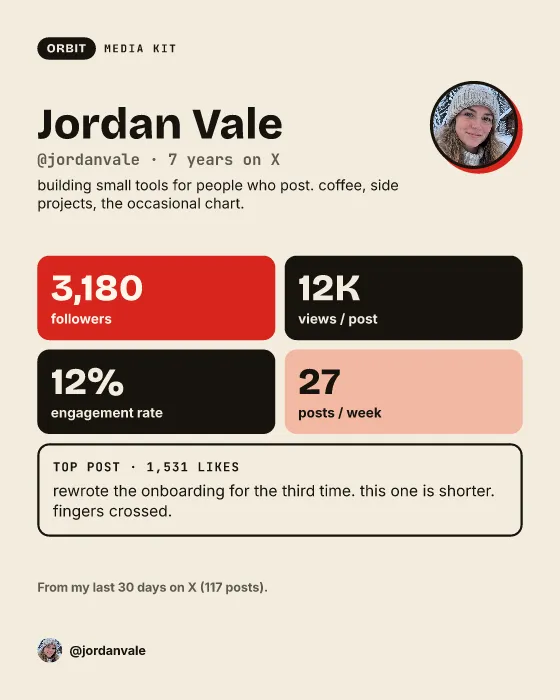 X Media Kit GeneratorYour creator stats on one card for brands→
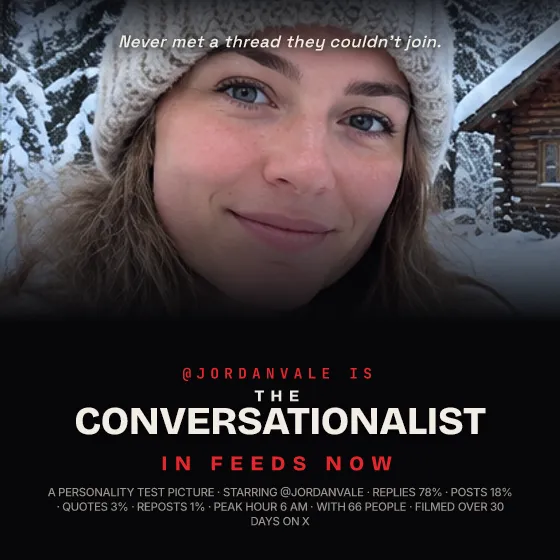 X Personality TestWhat kind of poster are you?→
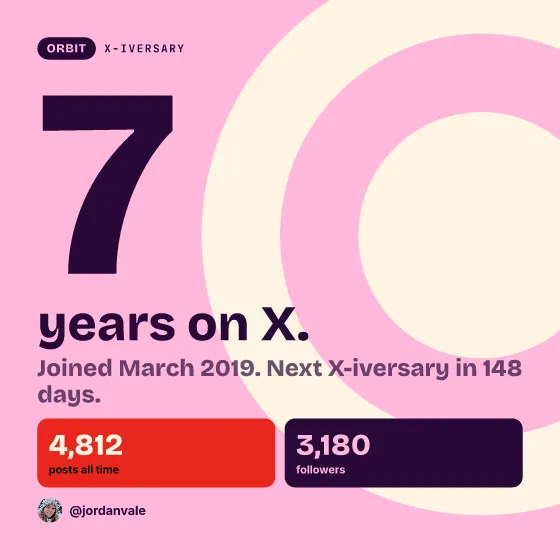 X Account Age CheckerHow long you’ve been on X, and your X-iversary→